Blog
Explayner: The AI Video Editor That Turns Audio, Talking-Head Clips, or a Simple Prompt Into Ready-to-Post Videos

How Explayner Works
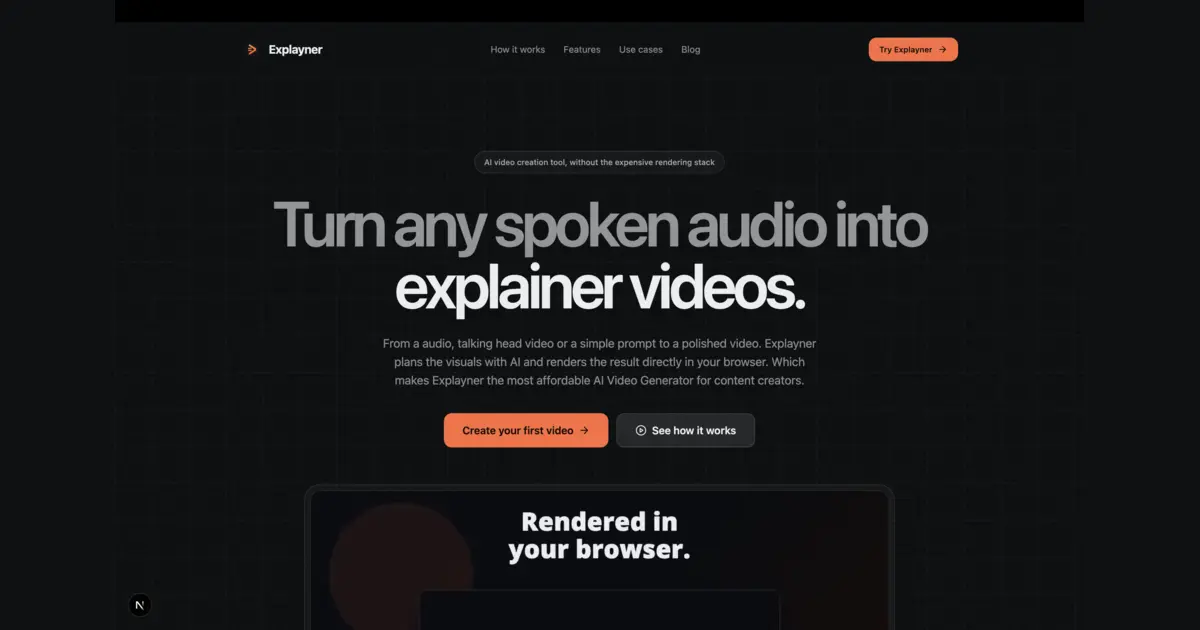
Explayner is built around a simple idea: creation should start with whatever you already have, not with an empty timeline.
No manual cutting, no manual syncing, no editing software to learn. This makes Explayner especially useful for solo creators, marketers, and educators who need consistent video output without hiring an editor or mastering complex tools.
- Upload your spoken audio - a voice memo, podcast clip, or narration - and let the AI build a video around it.
- Upload a talking-head video - Explayner turns your raw recording into an edited, publish-ready piece.
- Just write a prompt - describe the video you want, and the AI generates a short, reel, or long-form video that matches your brief.
100% Browser-Based Video Editing - No Downloads Required
Explayner runs entirely in your browser.
This browser-first approach means Explayner works the same whether you're on a lightweight laptop or a high-end workstation, which is a big deal for creators who don't want editing software to be the bottleneck.
- Save locally: your projects and videos are stored on-device using the Origin Private File System (OPFS), with IndexedDB as a fallback for browsers or environments where OPFS isn't available - so your work stays fast and local by default.
- Sync with Google Drive: connect your Drive to back up projects, import from a shared Drive folder, or import a local `.explay` project file - so you can pick up editing on another device without losing your work.
Light and Dark Video Themes, Handled Automatically
Not every video needs the same visual mood. Explayner supports both light and dark background themes, so whether your brand leans toward a clean white aesthetic or a bold black theme, the AI adapts the generated video to match your preference - without you manually adjusting backgrounds, contrast, or color grading.
Flexible Talking-Head Video Placement
For creators who film themselves, Explayner doesn't lock you into one fixed webcam-style overlay. You can position your talking-head footage in up to 8 layouts.
This flexibility means your face-cam can sit wherever it makes the most sense for the content - front and center for a talking-head explainer, or tucked into a corner for a tutorial-style video.
- Top, Bottom, Right, Center
- Top-left, Top-right
- Bottom-left, Bottom-right
Built-In Split-Screen Video Creation
Split-screen is one of the most popular formats for reaction content, comparisons, and dual-perspective storytelling - and Explayner supports it natively. The editor gives you a dedicated cropping interface to fit your footage neatly into one half of the screen, so you can build polished split-screen videos without juggling multiple editing tools or manual alignment.
A Full Canvas Editor for Fine-Tuning Every Scene
Once your video is generated, you're not stuck with the AI's first draft. Explayner includes a complete canvas editing system - just switch from the "Preview" tab to the "Edit scene" tab above the video preview to take manual control of anything in your scene.
When you're happy with your changes, click Apply Re-render to regenerate the final frames - giving you the best of both worlds: fast AI generation, with full manual control whenever you want it.
- Add and adjust shapes, elements, and text
- Insert media - images, GIFs, and custom fonts
- Apply custom animations, path animations, and record animations
- Control opacity and fine-tune each element's in/out timing
- Zoom the canvas for precise editing
- Multiselect elements to move or edit several at once
Create with Explayner
Turn your idea into a ready-to-post video.
Upload audio, a talking-head clip, or a simple prompt and start creating in your browser.
Built-In Captions and Subtitles
Captions are essential for social video, and Explayner builds them in rather than making you export to a separate captioning tool. Open the Captions tab in the right panel, enable captions, choose a caption style, and click Apply Re-render. Your subtitles are generated and styled without leaving the editor.
Built-In Background Music
The same goes for music. Explayner includes an in-editor Music tab where you can enable background music, choose a track that fits your video, adjust the audio settings, and apply the changes with a re-render - no need to license, download, or manually sync a separate audio file.
Google Drive Integration for Seamless Project Management
Because Explayner is browser-based, Google Drive integration is central to how creators manage their work across devices.
This makes Explayner practical not just for solo creators, but for small teams collaborating on video content across different machines.
- Import directly from your Google Drive
- Import from a shared Drive folder (useful for teams or collaborators)
- Import a local `.explay` project file to continue editing where you left off
Who Explayner Is For
Explayner is built specifically for early content creators - people who are just starting to produce regular video content and need a faster, simpler path from idea to finished video. That includes:
- Solo YouTubers and short-form creators making shorts, reels, or long-form videos
- Podcasters who want to turn audio episodes into video content
- Educators and coaches creating talking-head or explainer videos
- Marketers who need quick split-screen or captioned video content without an editing team
Final Thoughts
Explayner brings together AI generation and hands-on editing in one browser-based tool: upload audio, video, or a prompt to get a first draft instantly, then refine it in a full canvas editor with captions, music, animations, and flexible layouts - all without installing software or learning a traditional NLE.
For creators who want video output without the editing overhead, that combination is the whole point.
Create with Explayner
Turn your idea into a ready-to-post video.
Upload audio, a talking-head clip, or a simple prompt and start creating in your browser.