Blog
Visualizing Algorithms and Regex: Making Abstract Code Click

Why Abstract Logic Bends the Developer Brain
There's an old software engineering joke: *'A programmer had a problem, so they decided to use regular expressions. Now they have two problems.'*
The reason regex, recursive tree traversals, and finite state machines cause so many bugs isn't because the logic is flawed - it's because code is linear and static, while execution is dynamic and multi-dimensional.
When you read an abstract regex pattern like /^(?=.*[A-Za-z])(?=.*d)[A-Za-zd]{8,}$/, your brain has to manually maintain state, track capture groups, and back-trace every character match. Turning that state machine into an animated visual pipeline eliminates mental overhead instantly.
The Power of Step-by-Step State Transitions
When explaining algorithms to colleagues, students, or clients, static text explanations usually fail. But when you animate the state transitions, the concept clicks within seconds:
- String parsing & tokenization: Animate the pointer moving character-by-character, coloring matched groups as tokens are emitted.
- Recursion & call stacks: Show stack frames pushing and popping in real time, making base cases and return values obvious.
- Graph & tree balancing: Visualize left and right rotations in an AVL or Red-Black tree so developers see exactly why heights balance.
Visual Learning in Engineering
Studies show that spatial and temporal animation of algorithmic states reduces conceptual debugging time by over 45% compared to stepping through an IDE debugger alone.Deconstructing Complex Regex Visually
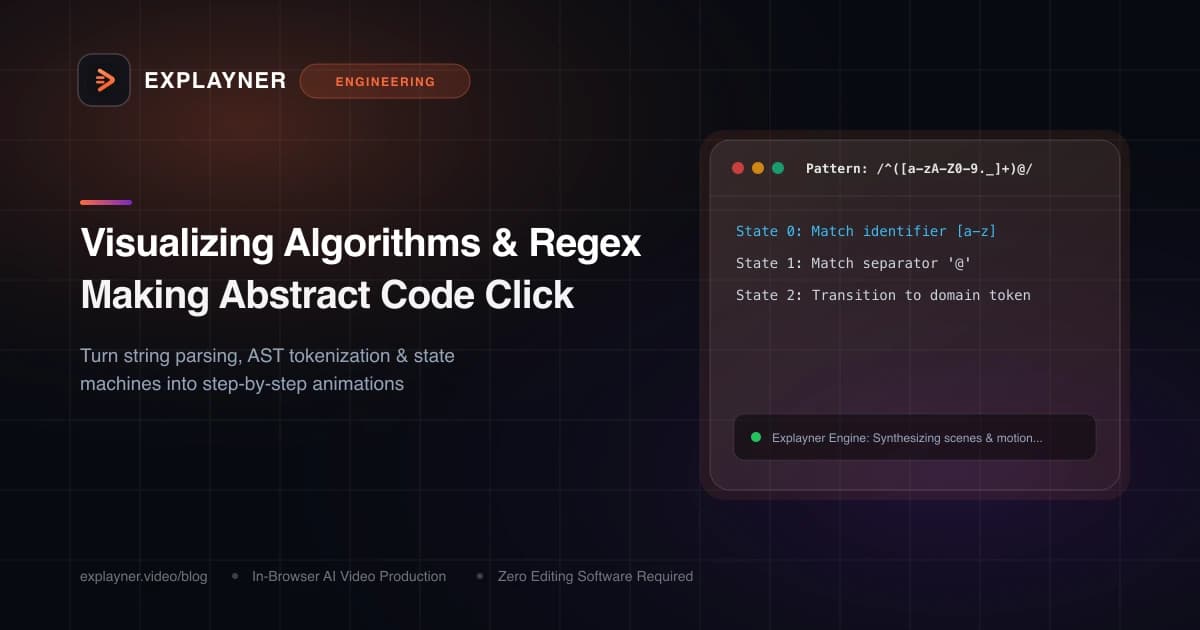
Let's look at an example. Suppose you are documenting an email validation regex or a custom routing token parser for your engineering team:
Instead of pasting the raw regex into a pull request comment with a paragraph of text, create an Explayner scene that breaks down each token group sequentially:
- Token 1: Anchor and Local Name: Highlight the beginning anchor
^and the local username pattern[a-zA-Z0-9._%+-]+. - Token 2: The Literal '@' Separator: Animate the transition to the domain delimiter.
- Token 3: Domain and TLD Capture: Step through the domain segment and final dot match with success/failure path indicators.
// Tokenizer pipeline broken into animated visual steps:
const emailRegex = /^[a-zA-Z0-9._%+-]+@[a-zA-Z0-9.-]+\.[a-zA-Z]{2,}$/;

// Step 1: Validate identifier characters
// Step 2: Ensure single '@' boundary
// Step 3: Match valid top-level domain suffix
Create with Explayner
Turn your idea into a ready-to-post video.
Upload audio, a talking-head clip, or a simple prompt and start creating in your browser.
Making Visual Explainers in Explayner
Explayner's canvas makes building algorithmic breakdowns intuitive. You don't have to code canvas shaders from scratch:
Drop in your regex pattern or algorithm steps, pick a sleek dark mode theme, and arrange your tokens using the visual canvas. You can add directional arrows, path animations, and element in/out timings so each step highlights exactly when your narration discusses it.
Because Explayner runs entirely inside your browser and saves your projects via OPFS, you can iterate on algorithmic diagrams with zero software installations or expensive subscriptions.
Summary
Abstract code doesn't have to stay abstract. Whenever you find yourself writing a 500-word comment trying to explain recursive logic or token matching, take two minutes to animate it visually.
Your team, your future self, and your code reviewers will thank you.
Create with Explayner
Turn your idea into a ready-to-post video.
Upload audio, a talking-head clip, or a simple prompt and start creating in your browser.