Blog
Flipping the Classroom: Asynchronous Technical Video Guides That Actually Keep Students Engaged

The Death of the 45-Minute Zoom Recording
During the transition to remote and hybrid education, universities and schools adopted a default strategy: record the full 45-minute Zoom lecture and post the video link in Canvas or Blackboard.
The data is clear: almost no student watches those recordings. Analytics show that over 80% of students click off within the first 6 minutes. Those who remain skip around frantically, looking for test answers or assignment hints amidst awkward audio check-ins, long pauses, and connectivity glitches.
Posting raw Zoom recordings is not asynchronous education; it is digital warehousing. To truly engage students, educators must adopt a flipped classroom model powered by deliberate, high-retention video guides.
What 'Flipping the Classroom' Really Means for CS
In a traditional computer science classroom, passive listening happens during class (the instructor lectures on syntax), while active problem-solving happens alone at home (the student gets stuck debugging for 4 hours with nobody to ask for help).
A flipped classroom reverses this entirely:
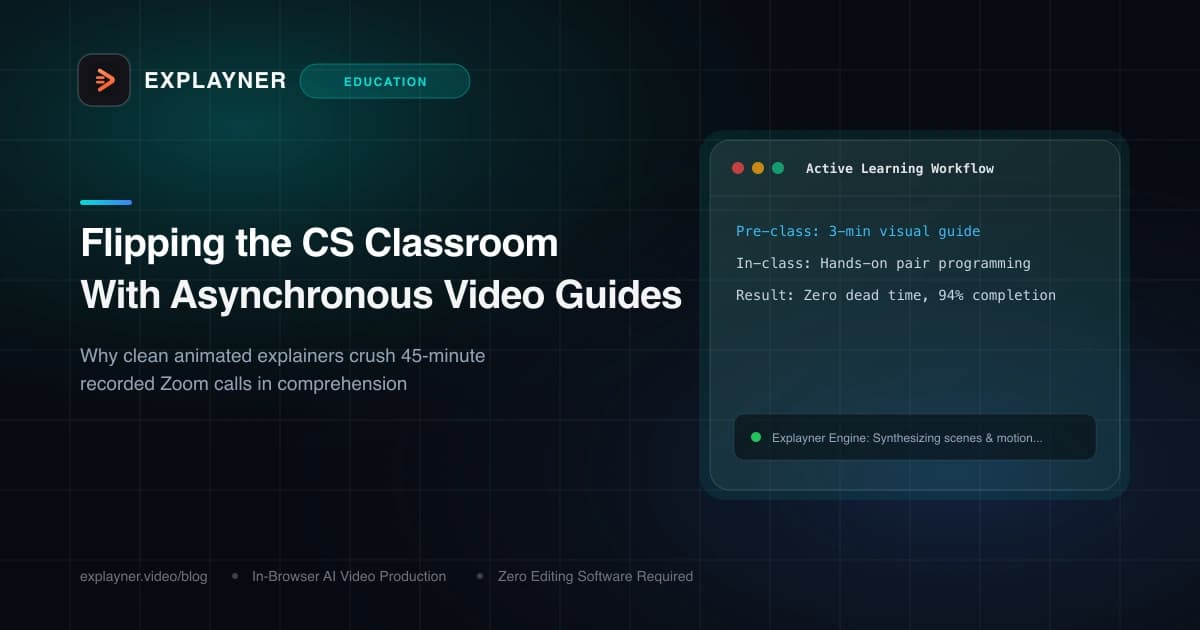
- At Home (Asynchronous): Students watch a crisp, 3-to-5 minute animated video explainer covering the core mental model and syntax before class.
- In Class (Synchronous): 100% of live class time is devoted to hands-on programming challenges, collaborative pair debugging, and instructor-guided problem solving.
The Active Learning Bonus
A meta-analysis published in the Proceedings of the National Academy of Sciences (PNAS) revealed that active learning classrooms in STEM reduce failure rates by 55% compared to traditional lecture formats.Crafting Asynchronous Guides That Students Actually Watch
To make your asynchronous prep videos irresistible to students, keep these principles front and center:
- Keep It Under 5 Minutes: Strict time caps respect student schedules and force educators to ruthlessly prioritize the essentials.
- Eliminate Screen Jitter: Use clean motion graphics and animated code cards rather than recording raw desktop screens with distracting background notifications.
- Incorporate Synced Subtitles: Over 70% of students watch educational videos on mobile devices with muted audio or in noisy study halls. Accurate captions are mandatory.
- Keep Your Face in the Frame: Use Explayner's 8 talking-head placement options to ensure your personality and encouraging expressions come through.
Create with Explayner
Turn your idea into a ready-to-post video.
Upload audio, a talking-head clip, or a simple prompt and start creating in your browser.
How Explayner Enables the Flipped Classroom at Scale
The biggest barrier to flipping the classroom has always been instructor workload. Preparing custom video materials for 30 different lessons across a semester felt impossible.
With Explayner, instructors can turn an existing lesson outline or audio voice note into a fully animated technical guide in under 10 minutes. Everything runs in the browser, project files sync directly to Google Drive, and videos render locally on your machine without software installations.
Summary
Don't let your valuable lecture time be spent reading slides to a silent room. Flip your classroom with crisp, asynchronous motion guides, and transform your live sessions into vibrant coding workshops.
Create with Explayner
Turn your idea into a ready-to-post video.
Upload audio, a talking-head clip, or a simple prompt and start creating in your browser.