Blog
Building a Visual Dev Portfolio: Repurposing Open Source Projects into Micro-Videos

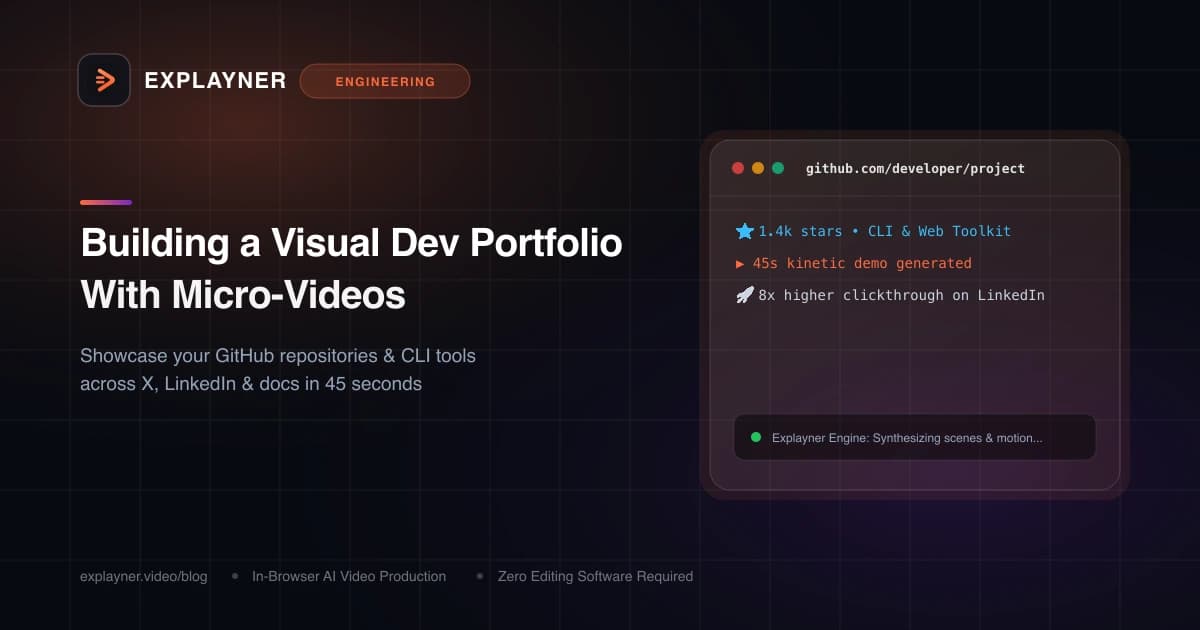
Why a GitHub Link Alone Isn't Enough Anymore
Picture a hiring manager, tech recruiter, or potential open-source user reviewing your profile. They have 60 seconds between meetings. You send them a link to your GitHub repository with 3,000 lines of beautifully written Rust or TypeScript.
Do you think they clone your repo, run npm install, configure environment secrets, and inspect your unit test suites? Almost never. They glance at the README, skim the header, and move on.
In today's fast-moving software ecosystem, proof of work must be visual and instant. A 45-second micro-video embedded in your portfolio or shared on LinkedIn shows the problem your project solves, demonstrates the interface, and highlights your architectural ingenuity before they even have to read line one.
The Micro-Video Advantage for Developers
Micro-videos (30 to 60 seconds long) are the highest-leverage medium for software engineers for three major reasons:
- Immediate proof of execution: It takes seconds to demonstrate a working CLI utility, a fluid web interaction, or an algorithmic benchmark.
- Social algorithm favoritism: Platforms like LinkedIn and X prioritize native video feeds over external links by up to 5x in organic reach.
- Demonstrates communication skills: Senior and staff-level roles require explaining complex systems simply. A concise video proves you can explain tech without burying people in jargon.
Hiring Manager Insight
Engineering directors report that candidate portfolios featuring short, 45-second interactive video walkthroughs receive 4x more interview invitations than static resume PDF links.What to Highlight in a 45-Second Project Video
You don't need a documentary. Follow this high-retention 4-part structure for every open-source project or side-hustle tool:
- 0:00 - 0:08 (The Pain Point): Name the exact problem developers face (e.g., 'Writing database migrations by hand leads to drift and downtime').
- 0:08 - 0:25 (The Core Command / UI): Show the clean terminal command or web UI card in action, highlighting the speed and simplicity.
- 0:25 - 0:40 (The Tech Stack Secret): Explain your architectural choice (e.g., 'Built on Rust with zero runtime dependencies and instant cold starts').
- 0:40 - 0:50 (The Call to Action): Display your GitHub repo name, star count, and documentation link clearly on a branded end card.
Create with Explayner
Turn your idea into a ready-to-post video.
Upload audio, a talking-head clip, or a simple prompt and start creating in your browser.
Creating Portfolio Videos in Minutes with Explayner
You don't need to spend your weekend learning video editing software. Explayner's browser-based canvas tool was designed for developers to craft micro-demos fast:
Record a 40-second audio clip describing what you built. Upload it to Explayner, choose a sleek dark developer aesthetic, and let the AI generate scene cards.
Use the canvas editor to drop in your project's GitHub badge, your terminal output snippet, and a split-screen talking-head video in the corner if you want to add a personal touch. When you click Apply Re-render, your finished portfolio video is ready to share.
# Install CLI
curl -fsSL https://get.project.dev | sh

# Run instant migration check
project diff --prod

# Output: 0 schema drifts detected in 18ms
Start Building Your Visual Presence Today
Your code deserves an audience. Pick your favorite side project or open-source repository, record a quick 45-second narration about why you created it, and drop it into Explayner.
Once you see your project running in an animated, high-contrast video format, you'll never share a plain GitHub link by itself again.
Create with Explayner
Turn your idea into a ready-to-post video.
Upload audio, a talking-head clip, or a simple prompt and start creating in your browser.