Blog
The Anatomy of a High-Retention Tech Video on YouTube and TikTok

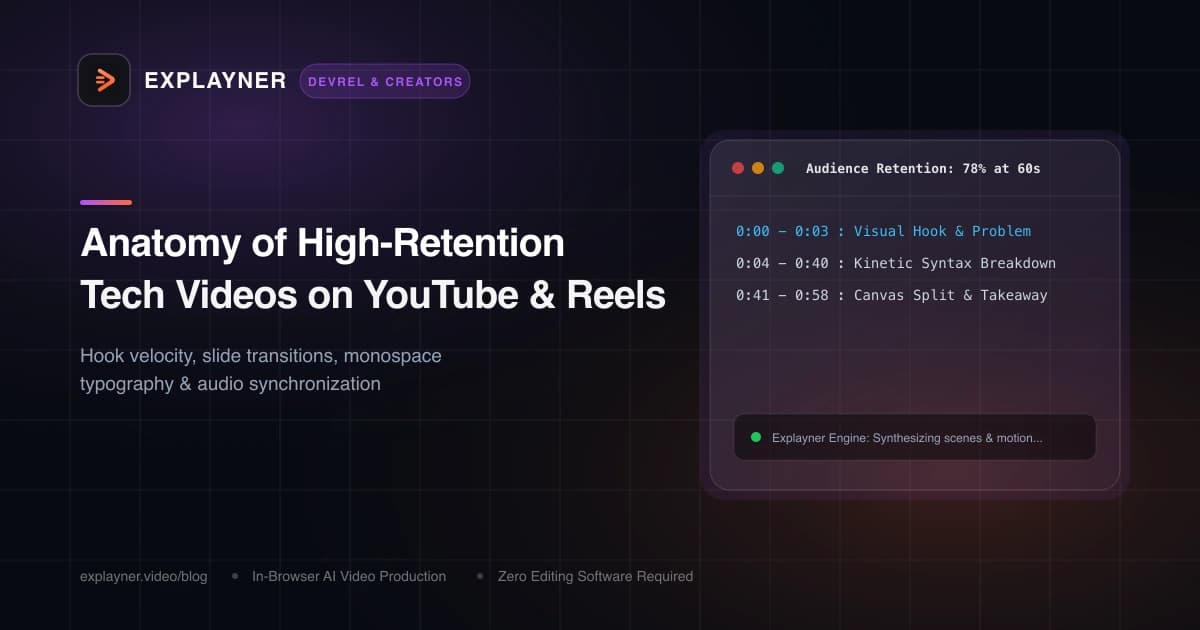
The Brutal Reality of Technical Viewers
Developers are the most impatient audience on the internet. We spend our days optimizing algorithms, writing shortcuts, and complaining when a build takes 4 seconds instead of 2.
When a developer scrolls past a video on YouTube Shorts, TikTok, or LinkedIn, you have exactly 2.5 seconds to prove you are not going to waste their time. If you start with *'Hey guys, welcome back to my channel, today we're gonna talk about...'*, they have already swiped away.
High-retention tech videos don't happen by accident. They follow a precise, engineered anatomical structure designed to deliver immediate dopamine, continuous visual momentum, and undeniable signal.
The 3-Second Hook Velocity
The first three seconds dictate 80% of your video's algorithmic performance. Your hook must deliver an intellectual jolt:
- State the contrarian truth: *'Most developers are using React useEffect completely wrong.'*
- Highlight the metric: *'This one line of CSS improved our LCP score by 400 milliseconds.'*
- Show the visual payoff first: Display the finished, beautiful UI component before explaining how to build it.
Retention Curve Rule
If your viewer retention stays above 75% through the first 10 seconds of a short-form video, YouTube and TikTok algorithms will push your video to 10x broader audiences.The Visual Rhythm: The 4-Second Rule
Once you hook the viewer, how do you keep them until second 58? The answer is continuous visual rhythm.
On modern social platforms, static visuals that remain unchanged for more than 4 seconds cause subconscious boredom. You don't need chaotic jump cuts; you need purposeful micro-animations:
- Monospace Syntax Highlights: Animate a glowing accent line or background highlight under the exact parameter being explained.
- Dynamic Zoom & Pan: Subtly scale into the critical function body as the narration builds toward the punchline.
- Layered Captions: Kinetic, styled subtitles ensure viewers comprehend terminology even in sound-off environments.
- Smart Split-Screen: Contrast bad code on the left with idiomatic code on the right using a clean split-screen divider.
Create with Explayner
Turn your idea into a ready-to-post video.
Upload audio, a talking-head clip, or a simple prompt and start creating in your browser.
Audio-Visual Synchronization with Explayner
Nothing kills technical retention faster than desynchronized audio and visuals. When a narrator says 'Now look at line 14' and line 14 doesn't light up until 2 seconds later, viewer trust evaporates.
Explayner's browser-based engine automatically aligns visual transitions to spoken cadence. When you upload your voice track, the AI maps scene changes to natural pauses in your speech.
You can then use the canvas timeline to nudge in/out timings, add ambient background lo-fi beats from the built-in Music tab, and fine-tune caption styles for maximum readability.
The Retention Scorecard
Before you publish your next developer video, run through this final checklist:
- Is the opening 3 seconds free of introductions or self-promotion?
- Does the visual state change or zoom at least once every 3 to 4 seconds?
- Are code snippets displayed in crisp, high-contrast monospace fonts?
- Are subtitles clear and positioned away from platform UI buttons?
Create with Explayner
Turn your idea into a ready-to-post video.
Upload audio, a talking-head clip, or a simple prompt and start creating in your browser.